Standing Desk Wrist Comfort: Review the Whole Setup
Published by the DEMON CHEST Editorial Team. Product links refer to our brand catalog; external research is identified separately. Authorship and sourcing policy.
Quick Answer
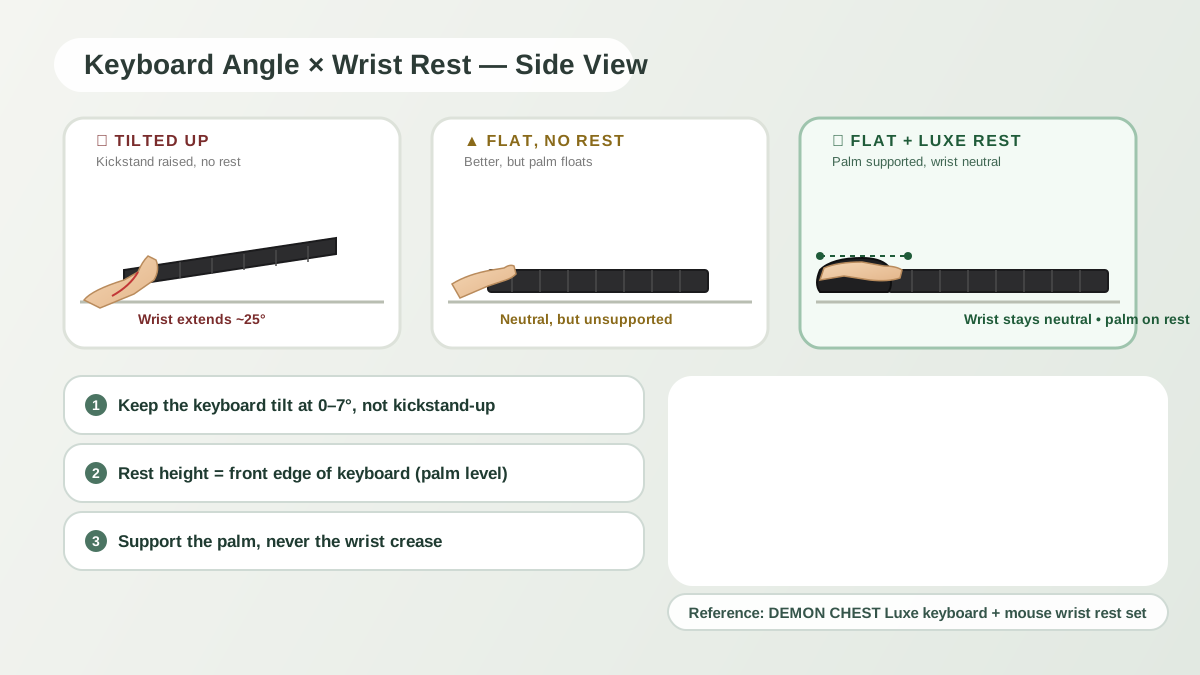
A standing desk changes workstation height, but still requires comfortable keyboard, mouse, and monitor placement. Review reach and hand position at each height. A desk wrist support may be an optional accessory; standing or adding a gel pad is not a guaranteed solution for wrist pain.
Review each working position
A sitting position and a standing position may need different desk or monitor adjustments. Keep frequently used equipment within comfortable reach and avoid maintaining an uncomfortable posture. Do not assume the seated settings remain suitable after raising the desk.
Keyboard, mouse, and monitor
- Desk height: choose a position that lets the shoulders relax and the hands reach the equipment comfortably.
- Monitor: adjust for a comfortable viewing position at each height.
- Mouse and keyboard: check that they are within reach and leave enough space for your preferred movement.
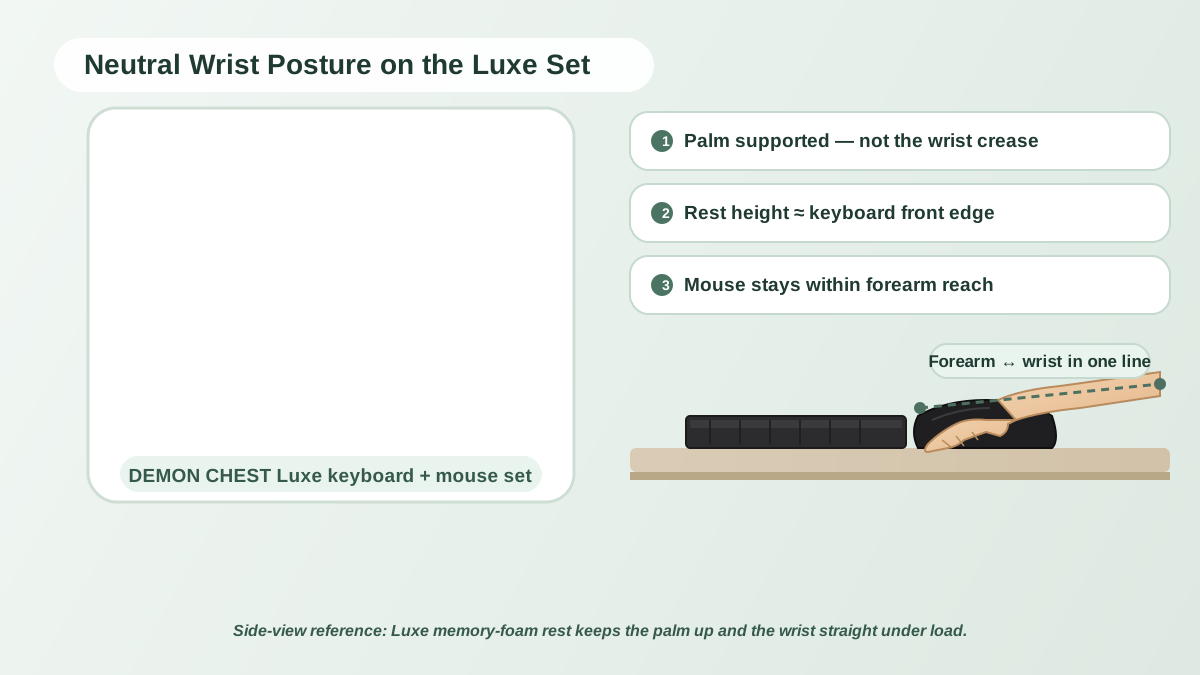
- Support: if using a rest, verify that it does not force a bend or obstruct movement.
OSHA's workstation evaluation checklist offers questions for reviewing the setup. It does not establish one exact elbow angle or a symptom-recovery timeline for every user.
Accessory fit
The DEMON CHEST mouse pad collection and wrist rest sets provide products to compare for footprint and support shape. Check base stability on the actual desk surface. Select cushioning by fit and preferences.
For a catalog example, see the ErgoComfort Black pad. Product suitability should be assessed against the equipment, not an assumption that standing requires a wrist rest.
Changing position
Allow comfortable position changes and pauses. Choose a routine that suits the work and any individual advice, rather than treating time spent standing as a target to maximize.
FAQ
Do I need a wrist rest at a standing desk?
Not necessarily. Compare hand position, reach, and movement with and without support. A rest may suit some setups and obstruct others.
Which desk ergonomic accessories should be compared first?
Start with the equipment and placement that affect your actual workflow. Monitor adjustment, keyboard placement, chair or desk height, and mouse space may all matter. A mouse pad is not automatically the highest-impact change.
Can a standing-desk adjustment fix wrist pain?
There is no guaranteed outcome. Persistent or worsening pain, tingling, numbness, or weakness should be assessed by a clinician; do not wait for a promised two-week response to desk changes.
References & further reading
Related Articles
Editorial correction — 2026-10-07
This article now uses brand-team authorship. Unsupported personal credentials, clinical-review labels, first-hand testing claims, and outcome promises were removed or qualified where present. General product-fit advice is distinguished from research evidence. The original publication date is unchanged.