How to Use a Keyboard Wrist Rest: Placement and Fit
Published by the DEMON CHEST Editorial Team. We sell the products linked here. Public workstation guidance and our catalog information are identified separately.
A sentence ends. Your fingers leave the keys, and your hands have a moment to settle. A keyboard wrist rest belongs in that small space before the keyboard, with its fit considered alongside the rest of the desk.
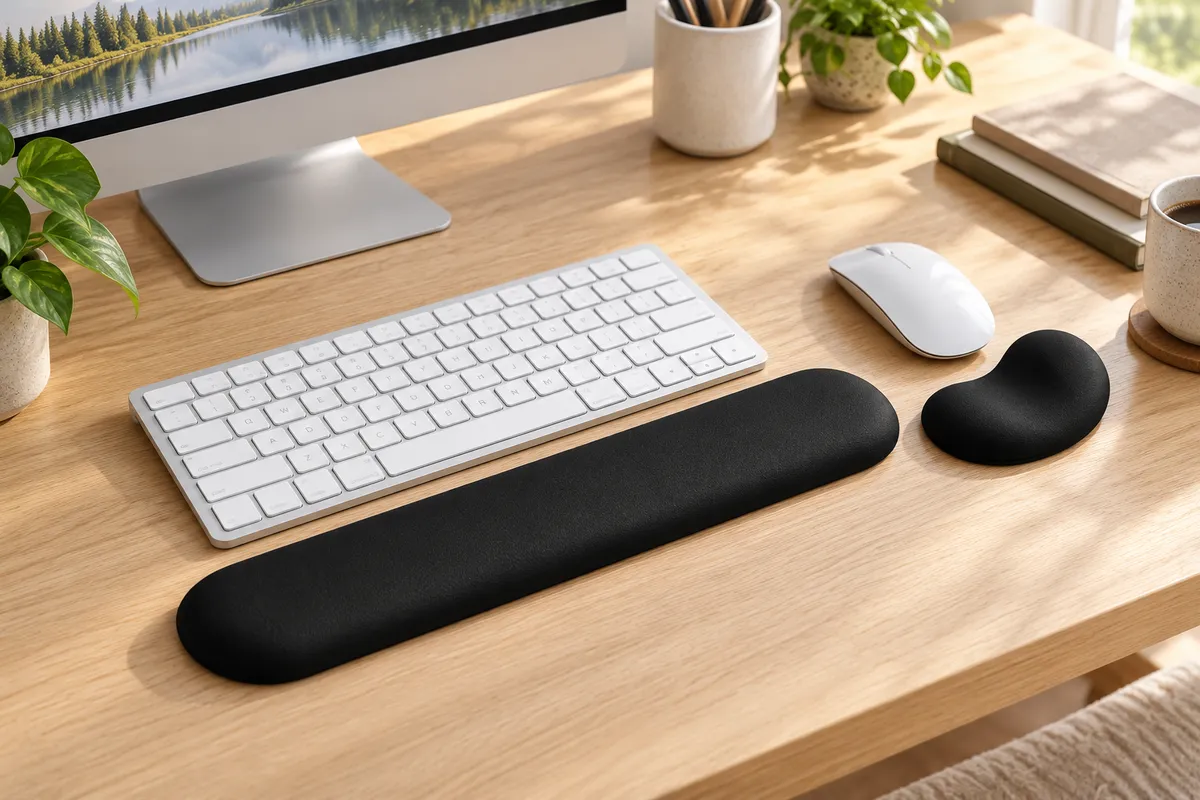
Quick Answer
Place a keyboard wrist rest in front of the keyboard and compare it with the keyboard's front edge, your reach, and your hand position. Keep your hands free to move while typing. During pauses, contact should be under the heel or palm of the hand. The right arrangement depends on the equipment and the person; a material label does not determine the fit.
Key Takeaways
- Arrange the keyboard and chair before choosing the support's position.
- Compare the rest with the width, height, and slope of the keyboard's front edge.
- Distinguish active typing from resting between tasks.
- Assess keyboard and mouse pieces separately, even when they come in a matching set.
1. Begin with the keyboard
Put the keyboard in front of you, where you can use it without reaching past the support. OSHA's keyboard guidance considers keyboard height, distance, and angle together with the chair and work surface. The rest is one piece of that arrangement.
Try a familiar task before adding the rest. Notice where your forearms sit and whether you reach for the keys. Then put the support in place and repeat the task. This is an editorial fit check with your own equipment, not a comparative product test.
For the wider arrangement, our desk setup guide brings the keyboard, mouse, screen, and work surface together.
2. Separate typing from a pause
OSHA's wrist/palm-support guidance distinguishes the two moments: hands should be free to move above the support during typing; during a rest, the support should meet the heel or palm rather than press into the wrist.
Read a paragraph, stop to think, then type again. Notice whether the rest gets in the way of that change. A place to pause should not become something you have to reach over to use the keyboard.
The name “wrist rest” can make the contact point confusing. Think about where the piece meets the hand during a pause, as well as where it sits on the desk.
3. Check the front edge, not a universal height
CCOHS's wrist-rest guidance advises matching the support to the width, height, and slope of the keyboard's front edge. It also makes suitability dependent on the workstation, keyboard, task, typing, and personal preference.
Compare the particular keyboard and rest together. A low-front keyboard and a taller keyboard can need different arrangements; “mechanical” or “memory foam” alone does not give you the measurements. Read the individual specifications and look at how the surfaces meet your hand.
Keep height and front-to-back depth separate. OSHA's guidance that a support should be at least 1.5 inches (3.8 cm) deep refers to its front-to-back support area, not a recommended height. It is general workstation guidance, not a dimension claim for the products shown here.
| What you notice | What to review |
|---|---|
| The support puts the hand above the keyboard front | Compare support height, shape, and the keyboard's position |
| The keyboard feels farther away with the rest in place | Review support depth and reach together |
| The hand catches on an edge when moving toward the keys | Review the gap, outline, and freedom to move |
| Changing the keyboard feet changes the hand position | Recheck the keyboard angle and support together |
These are editorial prompts for reviewing a setup. OSHA's keyboard page discusses adjusting tilt to the person and advises against using keyboard feet when they increase wrist bending; it does not prescribe one foot setting for everyone.
4. Treat each piece of a set as its own fit question
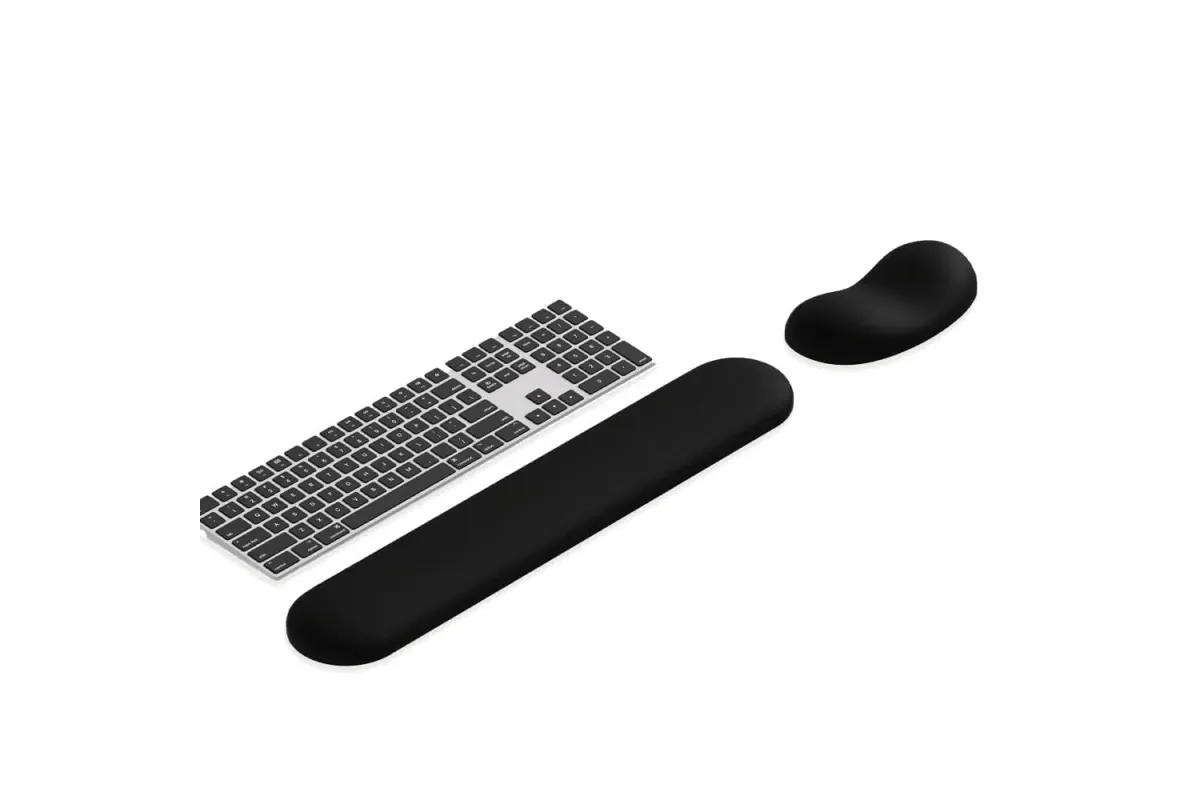
The Luxe Black set, ASIN B0FSYCX8F5, provides a useful example. Its recorded catalog facts identify memory foam in the keyboard support, gel in the separate mouse support, and a PU leather cover. The source is the specific product listing, last checked for those facts on October 7, 2026.
Those are component facts, not a fit result. Position the long keyboard piece with the keyboard and review the smaller mouse piece beside the mouse. Matching color and cover do not establish that both pieces should sit at the same height or use the same material.
Use the gel and memory foam comparison for material questions. The keyboard wrist rest collection and wrist rest sets offer individual shapes to inspect.
For the mouse area beside the keyboard, the office mouse-pad collection provides another set of shapes to compare with the space you have.
A short check when the desk changes
When you change keyboards, adjust the chair, or move to another desk, review the arrangement again:
- Put the keyboard where you normally work.
- Read its front-edge measurements and compare the rest's dimensions.
- Try a short, familiar typing task with room to move.
- Pause and notice the contact point beneath the hand.
- Change one part of the arrangement at a time, then review it again.
There is no measured comfort score or timing threshold attached to this exercise. It is a way to compare the arrangement you have, including the option of using the keyboard without a separate rest. The keyboard and wrist-rest buying guide covers broader selection questions and the scope of accessory advice.
Who this guide fits
This guide suits people positioning a separate keyboard support at an ordinary desk. It also helps someone comparing a matching set with two different input devices.
For an integrated, split, or tented keyboard system, check the manufacturer's particular setup instructions. This guide does not prescribe one rest height, gap, or arrangement for every keyboard and person.
FAQ
Is a keyboard wrist rest necessary?
CCOHS treats the decision as dependent on the person, task, equipment, and workstation. A separate rest is an option to assess, not a requirement established by how many hours you type.
How high should a keyboard wrist rest be?
Compare the support with the keyboard's front-edge height and slope and your own hand position. A fixed height chosen from the material name alone does not establish fit. Keep height distinct from the support's front-to-back depth.
How far should it sit from the keyboard?
Start in front of the keyboard and check reach and freedom to move. The cited sources do not give this guide a universal gap measurement; an attached design and a separate piece can have different arrangements.
Should my hands stay planted on it while typing?
OSHA advises allowing the hands to move freely during typing and using heel or palm contact during a pause. Review whether your support gets in the way of that movement.
Can a mouse rest replace the keyboard piece?
Assess the shape and position for the input device you are using. In the Luxe Black example, the long keyboard support and the separate contoured mouse support are different pieces, with different recorded core materials.
Sources and Method
The linked OSHA wrist/palm-support and keyboard pages, and CCOHS wrist-rest page, were checked on October 30, 2026. They provide general workstation guidance, not certification of a DEMON CHEST product or a measured personal outcome.
The brief typing and pause checks are editorial suggestions. Product facts are limited to the named ASIN's recorded listing information. The first image is an AI-generated scene made with catalog references; the second is a catalog photograph prepared in a responsive format. Neither image is an individual fit assessment.