The Mouse Pad Your Magic Mouse Actually Wants
Published by the DEMON CHEST Editorial Team. Product links refer to our brand catalog; external research is identified separately. Authorship and sourcing policy.
Quick Answer
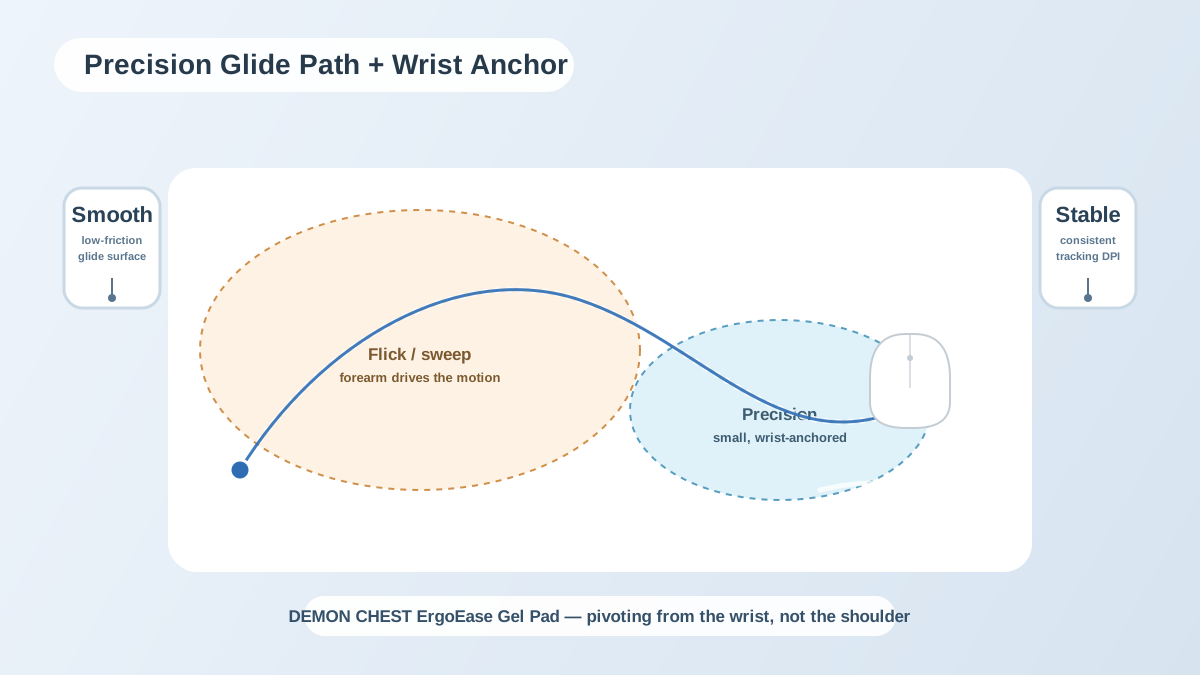
For a Mac mouse pad, compare the surface with your exact mouse, measure movement space, and check whether a raised support suits the hand position. Desk appearance can be part of the choice. This guide compares catalog options and individual setup preferences.
Surface and movement
Use the mouse on the proposed surface to check tracking and glide. Review the device manufacturer's guidance where needed. A mouse pad's texture does not establish how top-surface multi-touch gestures work, and this article does not claim that one material preserves gesture sensing.
Support height
A low-profile mouse does not automatically require a wrist rest. Compare hand position and movement with any support in place. If it obstructs the preferred movement or creates an uncomfortable bend, reconsider the fit.
Desk appearance
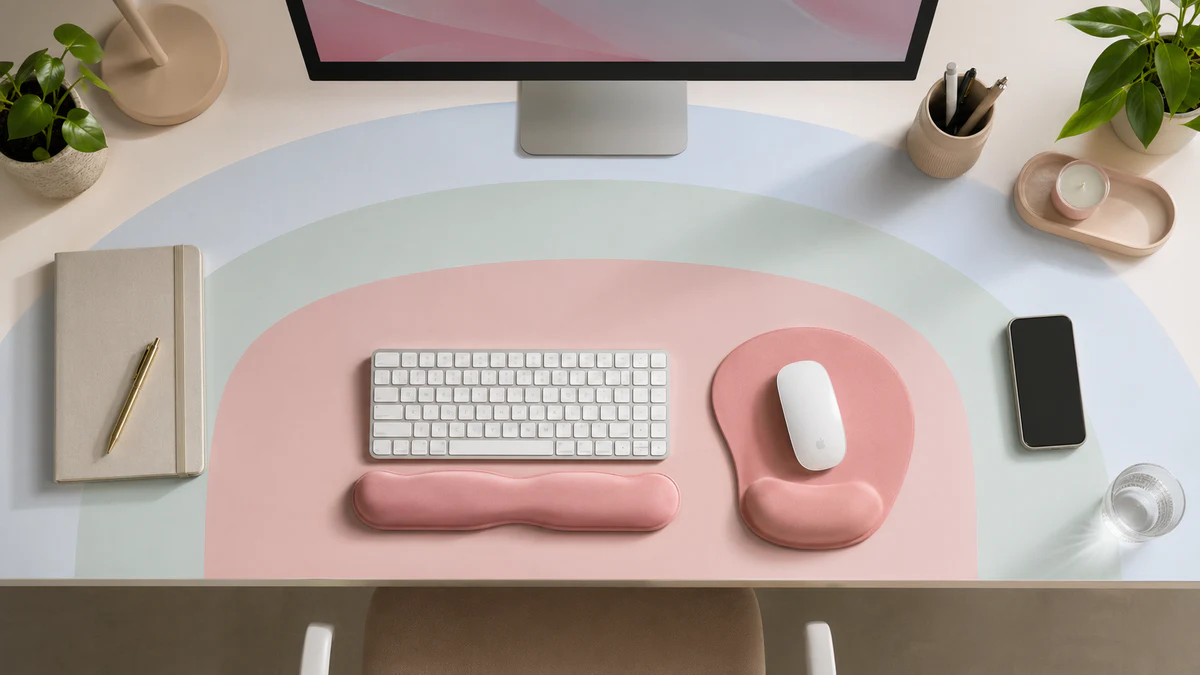
Color, finish, and footprint can help coordinate a MacBook or iMac desk. These are personal design choices, separate from tested device compatibility or medical performance.
Catalog options to compare
Compare the actual dimensions and material descriptions on the listings. These are catalog examples, not Apple-certified accessories or a benchmarked shortlist.
Setup checklist
- Leave room for the mouse movement used in your tasks.
- Keep frequently used equipment within comfortable reach.
- Check whether a desk edge or raised support causes pressure.
- Adjust screen and input-device placement for the actual workstation.
- Follow device-specific tracking guidance and the pad's care instructions.
See the desk setup guide for wider placement considerations. Persistent pain, tingling, numbness, or weakness should be assessed independently of a purchase.
FAQ
What is the best pad for Apple Magic Mouse?
There is no tested universal winner here. Compare tracking, surface feel, footprint, support height, and return terms with the specific device and setup.
Is a dedicated pad necessary on a premium desk?
Not necessarily. The desk surface, device behavior, movement, and personal preferences determine whether a pad is useful.
Which Mac accessories should be chosen first?
Identify the actual fit problem before buying. Screen placement, input devices, mouse space, or support shape may matter in different setups.
References & further reading
Related Articles
- Mouse Pads with Wrist Support
- Mouse Pad for Carpal Tunnel: Product Fit and Evidence
- Best Mouse Pad 2026
- Mouse and Mouse Pad Combinations
Editorial correction — 2026-10-07
This article now uses brand-team authorship. Unsupported personal credentials, clinical-review labels, first-hand testing claims, and outcome promises were removed or qualified where present. General product-fit advice is distinguished from research evidence. The original publication date is unchanged.