Mouse Pad for Carpal Tunnel: What Actually Helps (And What Doesn't)
Published by the DEMON CHEST Editorial Team. Product links refer to our brand catalog; external research is identified separately. Authorship and sourcing policy.
Health information. This is general educational information, not a diagnosis or treatment plan. Seek professional advice for persistent or worsening pain, numbness, tingling, or weakness.
Quick Answer
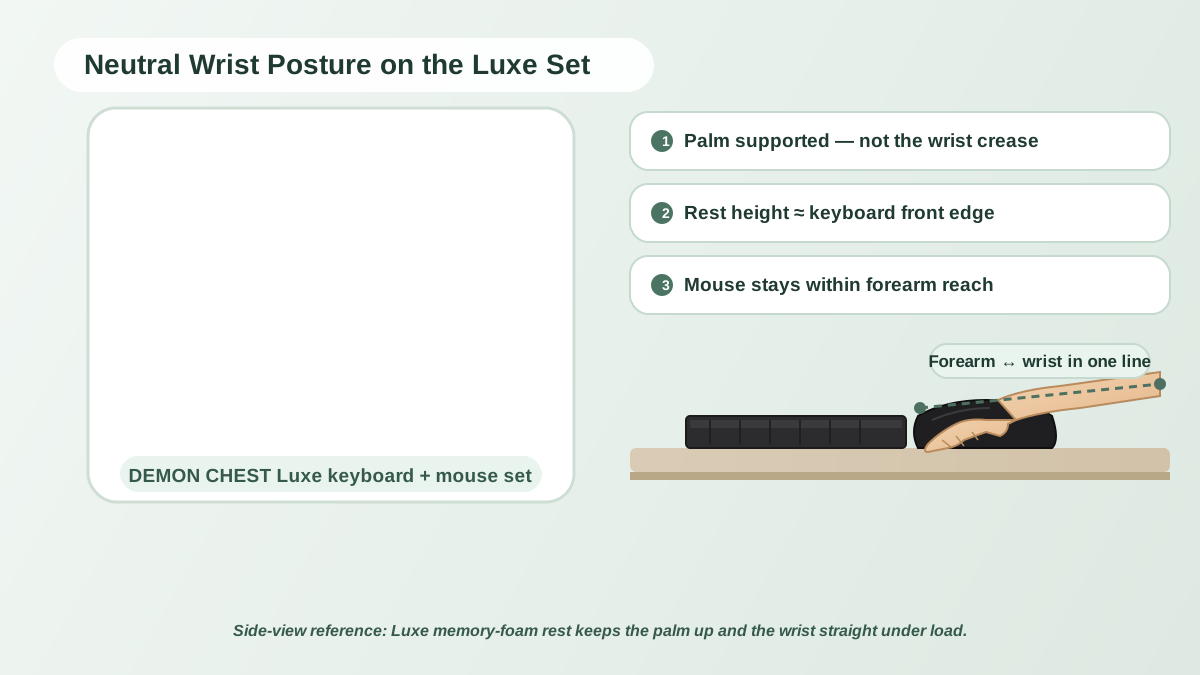
A mouse pad for carpal tunnel should be considered an optional comfort accessory, not a treatment or prevention product. Compare support height, desk fit, surface, and stability. A pad that feels suitable may help you arrange a comfortable workstation, but it cannot diagnose symptoms or establish a clinical benefit.
What the evidence says
In a study of 21 people with carpal tunnel syndrome, Schmid and colleagues found that a gel pad and gliding palm support changed wrist extension, while a vertical mouse changed another wrist angle. None of the tested devices reduced carpal tunnel pressure. The study does not establish that a particular pad treats the condition. PubMed abstract.
Public workplace guidance supports reviewing equipment placement and contact stress. That is different from demonstrating disease prevention or pain relief for a named commercial product.
How to compare support options
| Option | Product-fit question | Limitation |
|---|---|---|
| Flat pad | Is there enough mouse travel space? | Has no raised rest |
| Integrated gel rest | Does the contour fit your hand position? | Height and shape may not suit every user |
| Memory foam rest | Does the cushioning feel appropriate? | Feel alone cannot establish a clinical benefit |
| Keyboard and mouse set | Do both pieces fit the equipment? | A matching design does not guarantee matching support height |
| Vertical mouse | Is the shape comfortable for the task? | Existing symptoms still need assessment |
No material receives a medical ranking here. Compare actual dimensions and return terms rather than relying on a label such as "carpal tunnel mouse."
Using a rest
OSHA's wrist/palm-support guidance advises keeping hands free to move during typing and supporting the heel of the hand during rests. Avoid pressing the wrist crease into the cushion. Review the chair, keyboard, mouse, and desk together.
If a rest obstructs movement, increases discomfort, or pushes the hand into a sustained bend, reconsider the fit or stop using it. Comfort depends on the whole setup.
Catalog options to compare
These links identify brand products, not medically prescribed devices. Use the series comparison and mouse pad collection to check fit.
Symptoms deserve a separate decision
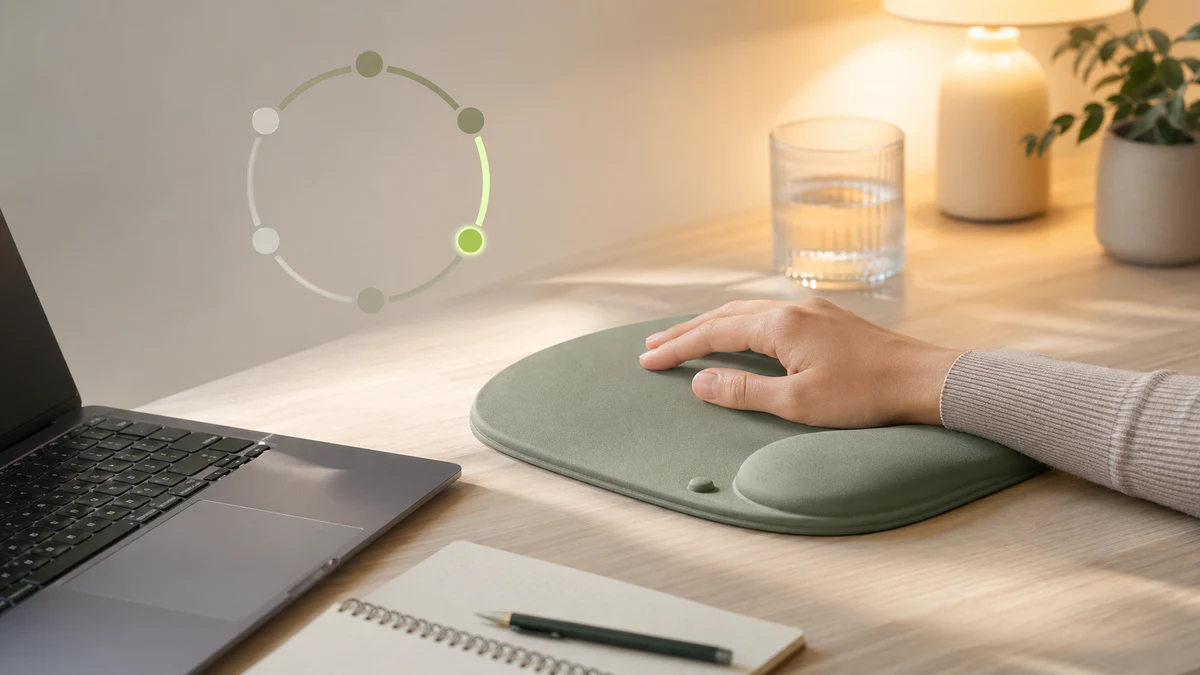
The NHS describes pain, tingling, numbness, and weakness among carpal tunnel symptoms and advises seeking help when symptoms worsen or do not go away. A brand guide cannot determine whether your symptoms are carpal tunnel syndrome. There is no supported one- or two-week recovery promise from adding a pad.
FAQ
Is gel better than memory foam for carpal tunnel syndrome?
There is no product-specific clinical evidence here establishing one as better. Consider individual comfort and fit, and ask a clinician about a diagnosed condition.
Is a vertical mouse enough without a wrist rest?
Neither accessory is universally required. Choose equipment that fits your tasks; do not treat a combination of accessories as a substitute for care.
Can a mouse pad improve comfort quickly?
Some setups may feel different immediately, but a change in comfort is not a demonstrated treatment response. Persistent or worsening symptoms should be assessed.
References & further reading
- Schmid AB, Kubler PA, Johnston V, Coppieters MW. A vertical mouse and ergonomic mouse pads alter wrist position but do not reduce carpal tunnel pressure in patients with carpal tunnel syndrome. Applied Ergonomics. 2015;47:151–156. Published online October 3, 2014. PubMed 25479984.
- OSHA: Wrist/Palm Supports.
- NHS: Carpal tunnel syndrome.
- NIOSH: Workplace safety and health information.
Related Articles
- RSI and Carpal Tunnel for Remote Workers
- The Complete Ergonomic Desk Setup Guide
- Best Mouse Pad 2026
- Gel vs Memory Foam Wrist Rests
- Standing Desk Ergonomics
Editorial correction — 2026-10-07
This article now uses brand-team authorship. Unsupported personal credentials, clinical-review labels, first-hand testing claims, and outcome promises were removed or qualified where present. General product-fit advice is distinguished from research evidence. The original publication date is unchanged.