Wrist Rests for Gamers: Movement, Surface, and Fit
Published by the DEMON CHEST Editorial Team. Product links refer to our brand catalog; external research is identified separately. Authorship and sourcing policy.
Quick Answer
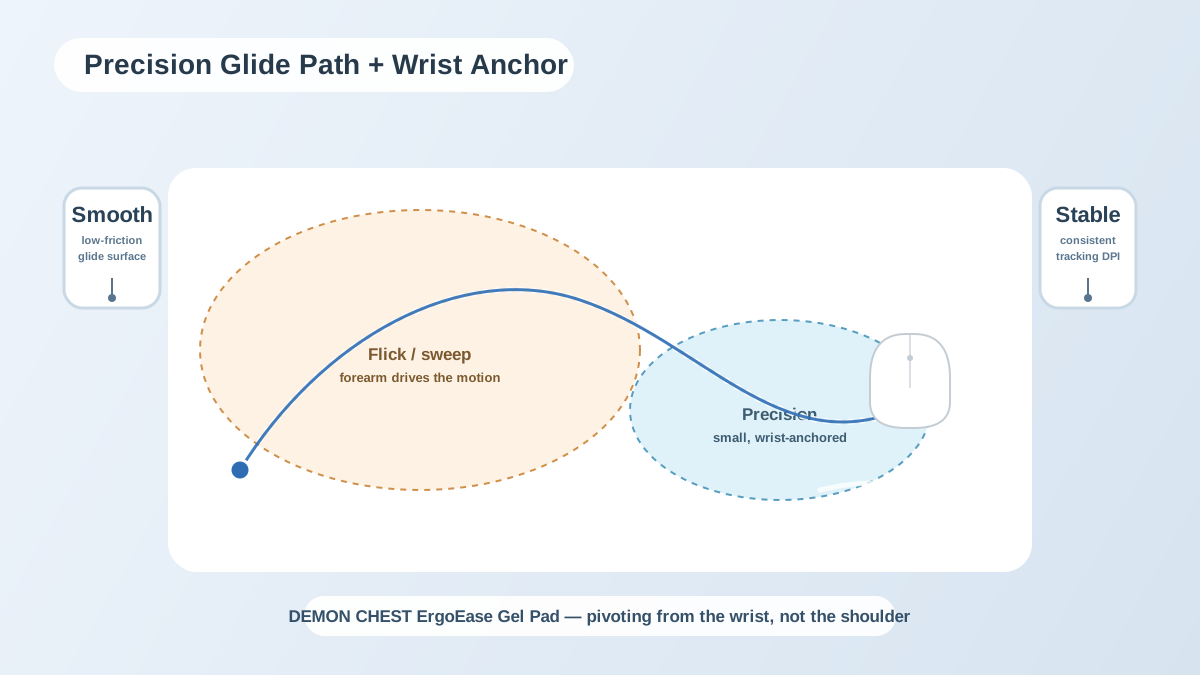
Choose a gaming mouse pad with wrist rest by surface, movement space, support height, and base stability. A rest may suit a compact mouse movement style but interfere with a large arm sweep. No product in this guide is shown to preserve aim, prevent injury, or stay unchanged through a particular session length.
Movement comes first
Check whether you pivot mainly from the wrist or move the forearm across a wide area. Measure the space your mouse actually uses. Lower sensitivity can require more space, but DPI alone does not determine the correct pad size.
A raised support should not block your preferred movement. Consider a flat pad or separate support if an integrated rest interferes with an arm sweep. There is no universal requirement to use a rest for FPS, MOBA, or RPG play.
Gel and memory foam
Compare the actual cushion shape, height, cover, and feel. This guide does not present a year-long comparison or show that memory foam degrades after a fixed number of matches. Neither material is guaranteed to be cooler or better for aim.
| Fit question | What to check |
|---|---|
| Mouse travel | Enough room for the movement used in the game |
| Raised support | Does it obstruct a sweep or force a bend? |
| Surface | Is tracking comfortable with the specific mouse? |
| Base | Does it remain stable on the actual desk? |
| Cushion | Is its shape and firmness suitable for your hand position? |
A setup checklist
- Place keyboard and mouse within comfortable reach.
- Leave room for the preferred arm movement.
- Check the desk edge and support for uncomfortable pressure.
- Adjust the seat and screen for a comfortable position.
- Allow pauses between or during sessions.
- Stop an activity that worsens pain, numbness, or tingling.
These are fit considerations, not a tested performance routine or medical prevention protocol. OSHA's pointer/mouse guidance provides general workstation context.
Catalog options
Compare the ErgoComfort Graphite Glide with the other shapes and surfaces in the mouse pad collection and gaming collection. Choose by product fit and preferences rather than a promise about tournament results or pain relief.
FAQ
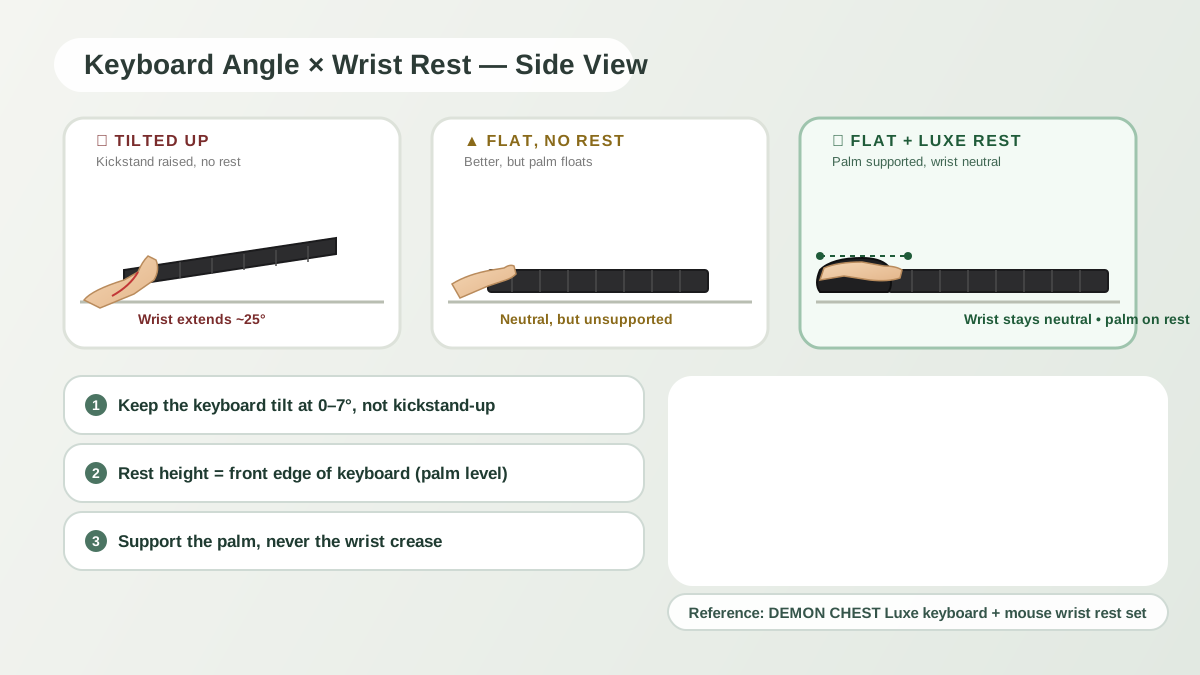
Is a wrist rest allowed in competitive play?
Check the specific event's equipment rules. This guide does not verify every league's current policy.
Will a wrist rest slow down aim?
It depends on the rest, placement, grip, and movement. An integrated rest may restrict some players' preferred sweep. Try the setup rather than assuming that gel eliminates this issue.
What size pad should I use for low-DPI FPS?
Measure the room needed for a comfortable full sweep and compare actual product dimensions. Do not assume that every wrist-rest pad provides an extended gaming surface.
Is a rest suitable after a wrist flare-up?
Ask a healthcare professional about existing symptoms. A gaming product guide cannot prescribe a return-to-play accessory or routine.
Related Articles
- Gel vs Memory Foam Wrist Rests
- RSI and Carpal Tunnel for Remote Workers
- 2026 Wrist Rest Buying Guide
- Mouse Pads with Wrist Support
Editorial correction — 2026-10-07
This article now uses brand-team authorship. Unsupported personal credentials, clinical-review labels, first-hand testing claims, and outcome promises were removed or qualified where present. General product-fit advice is distinguished from research evidence. The original publication date is unchanged.